





Friday Night Funkin'
- Developer
- The Funkin' Crew
- Genre
- FNF, Rhythm Battle, Music
- Engine
- HaxeFlixel
- Status
- Browser game
Game artwork and screenshots from FNF Mod Online. © Respective rights holders. All rights reserved. Image usage · Permission requests
About Friday Night Funkin'
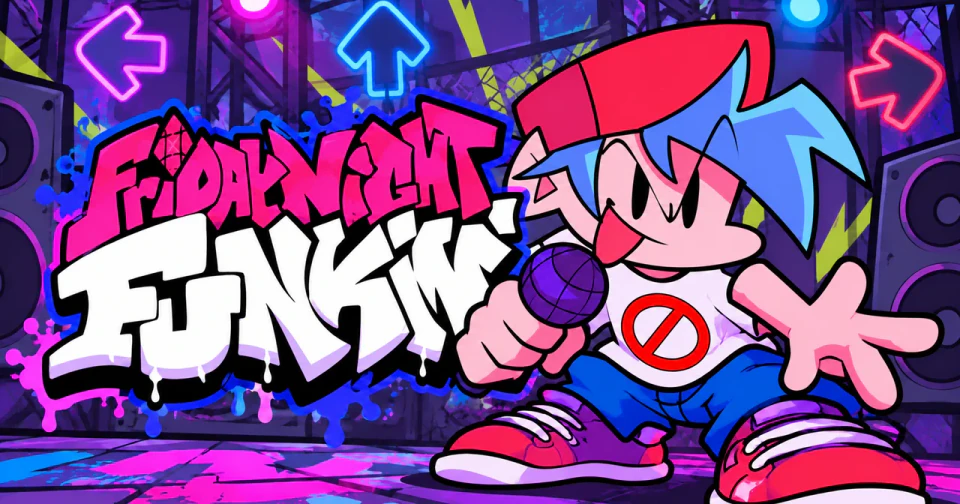
Friday Night Funkin' (FNF) is a rhythm game where you take the mic as Boyfriend. Listen to your rival's verse, then hit the arrow notes as they reach your targets. Try the Tutorial to find your timing or jump into Week 1 and face Daddy Dearest.
Friday Night Funkin' Screenshots
Story Mode and Freeplay in Friday Night Funkin'
Choose how you want to start the rhythm battle from the main menu.
- Story Mode groups songs into weeks. Start with the Tutorial to get used to the note targets.
- Freeplay lets you pick a song and return to the same chart for another attempt.
How To Play Friday Night Funkin'?
Select Play Now, then click Touch Here to Play when it appears inside the game window.
- Press Enter at the title screen. Pick Story Mode or Freeplay and choose a week or song.
- Use the arrow keys or WASD when each note reaches its matching target.
- Hold the matching key for a long note and release it when the tail passes the target.
Who Will Enjoy Friday Night Funkin'?
- Rhythm game players who like following four directions through a song.
- Players looking for musical duels with distinct opponents and tracks.
Find Your Timing in FNF
Pick one song in Freeplay and give it a second run. If a quick sequence trips you up, listen for the beat just before it starts and watch where the notes meet the targets.
Friday Night Funkin' FAQ
Which keys do you use in Friday Night Funkin'?
Use the arrow keys or WASD to hit the four directions on a keyboard.
How do you pick a single song in FNF?
Choose Freeplay from the main menu, then select a track from the list.